
Muqeem Fees 2026: SADAD Payment Code, Subscription & Visa Costs
Muqeem KSA is a business-to-government (B2G) electronic platform that allows Saudi, GCC, and foreign companies to handle Passport-related transactions for their resident (Iqama-holding) employees. Rather than sending an HR representative to a Jawazat branch, an authorized company user logs into Muqeem and completes the transaction digitally — usually within minutes to a few days depending on the service.
Note: the fees and fines mentioned on this page are widely reported figures, not taken from an official fee schedule. They can change, so confirm the current amount on Absher, Qiwa or Muqeem before you pay.
Muqeem offers more than 20 electronic services under a single company subscription, and it’s tightly integrated with two other major Saudi digital platforms:
- Qiwa — employee contract and work-permit data flows into Muqeem automatically once a contract is documented
- Absher — the individual portal that employees and sponsors use for personal services; Absher and Muqeem share the same underlying Passport data, so an action taken on one is reflected on the other
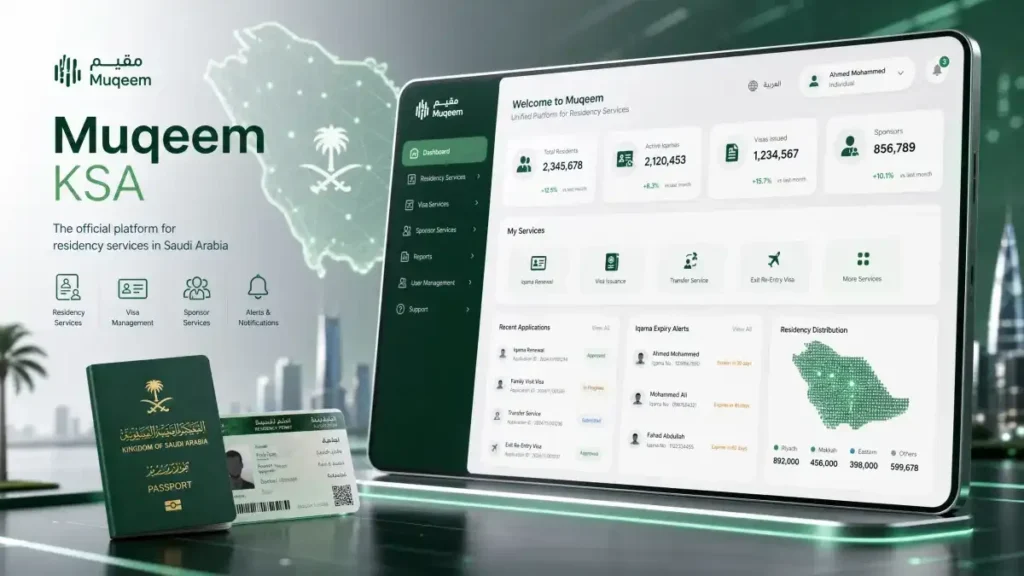
Muqeem SADAD Payment Codes & Fees
Muqeem-related payments run through SADAD, Saudi Arabia’s national bill-payment system, using two separate biller codes:
- Biller code 092 — Passport (Jawazat) fees
- Biller code 085 — Muqeem service subscription fees
Typical exit/re-entry visa costs (confirm current rates before paying, as fees are subject to change):
- Single exit/re-entry visa: starting around SAR 200 base fee
- Multiple exit/re-entry visa: starting around SAR 500 base fee
- Additional months beyond the base period are charged on top, up to the Iqama expiry date
Breakdown of Muqeem Service Fees 2026
While the portal is a digital gateway, the government fees (Jawazat fees) still apply. Here is a quick reference for the most common services:
| Service Type | Government Fee (Estimated) | Processing Time |
| Iqama Renewal (1 Year) | Varies by category and period (check Muqeem or Absher) | Instant |
| Exit/Re-Entry Visa (Single) | SAR 200 (for 2 months) | Instant |
| Exit/Re-Entry Visa (Multiple) | SAR 500 (for 3 months) | Instant |
| Final Exit Visa | Free (Conditions apply) | Instant |
| Muqeem Print (Resident Report) | Free via Portal | Instant |
Is Muqeem for Individuals or Companies?
Muqeem KSA is built for establishments, not individuals. An expatriate worker cannot personally register or log in to the main Muqeem employer portal — that access belongs to the company’s HR/PRO team or an authorized representative. Individuals interact with Muqeem-issued data indirectly, either through their sponsor or through the public Muqeem visa-validity checker mentioned above.
There’s one exception worth noting: Saudi sole proprietorships use Absher Business, not Muqeem. Muqeem is reserved for registered companies — LLCs, joint-stock companies, and foreign company branches. For a complete guide on verifying your residency records, visit our Iqama Check guide: Iqama Check
Muqeem vs. Absher vs. Qiwa: What’s the Difference?
These three platforms are frequently confused because they all touch residency and employment data. Here’s how they differ:
| Platform | Built For | Primary Use | Account Type |
|---|---|---|---|
| Muqeem | Companies & establishments | Iqama renewal, exit/re-entry & final exit visas, employee data management | Business/establishment account |
| Absher | Individuals | Personal Iqama services, dependent visas, personal document requests | Individual account |
| Qiwa | Employers | Labor contracts, work permits, Saudization compliance | Business account |
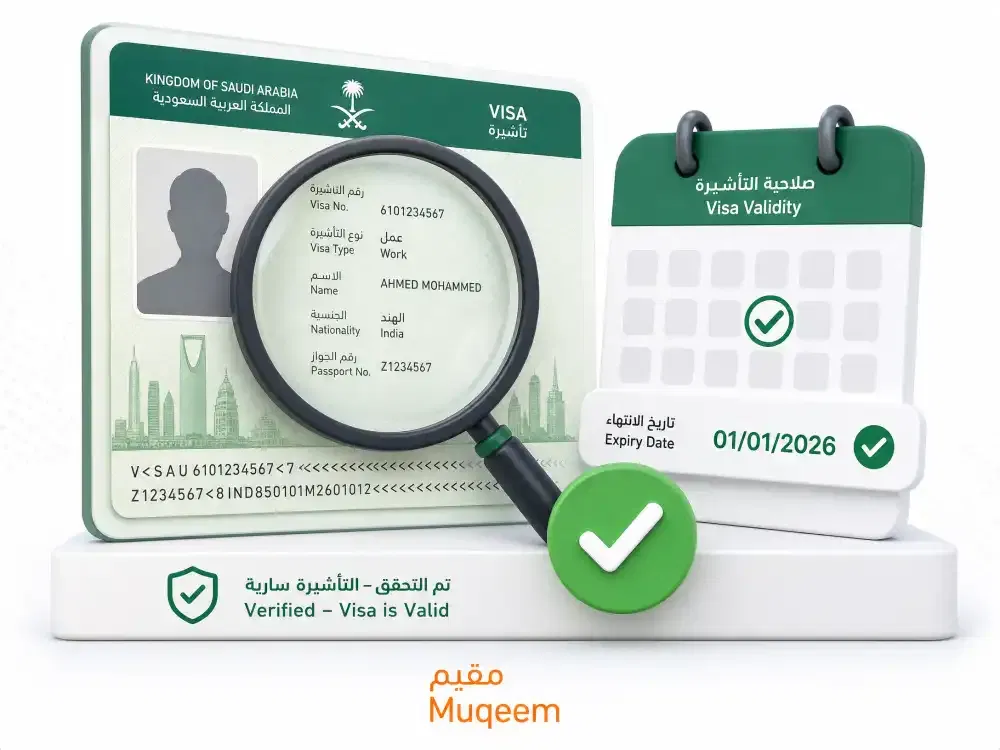
Key Services Available on Muqeem
Muqeem’s more than 20 services fall into a few main categories:
Residency (Iqama) Management
- Issuing and renewing Iqamas, integrated with the employee’s valid Qiwa work permit
- Reviewing and updating resident employee data
Exit & Re-Entry Visas
- Issuing single exit/re-entry visas (one departure, one return)
- Issuing multiple exit/re-entry visas (unlimited trips within the validity window)
- Extending exit/re-entry visas for employees already outside the Kingdom
- Printing or cancelling issued visas
Final Exit Visas
- Issuing, printing, and cancelling final exit visas when an employment relationship ends
Compliance & Monitoring
- Generating compliance reports and alerts
- Tracking visa and residency status across the entire workforce
How to Register on Muqeem (Step-by-Step)
Before registering, your company needs:
- A valid Commercial Registration (CR)
- A Chamber of Commerce attestation letter
- An authorized representative — for foreign companies without a Saudi-resident manager, you must appoint a Saudi national or Saudi resident to act in this role
- A mobile number registered in Absher to receive verification codes
- An active company email address
- A payment method for the annual subscription fee
Registration steps:
- Go to the official portal at muqeem.sa
- Select the establishment registration option
- Enter your Commercial Registration number and company details
- Upload the Chamber of Commerce attestation letter
- Designate your authorized representative and verify their ID
- Confirm your registered Absher mobile number via OTP
- Choose and pay for your subscription package
- Activate the account once approved
How to Log In to Muqeem
Employers sign in at muqeem.sa with the establishment username and password plus a verification code, or through the National Single Sign-On (Nafath). For full steps and fixes for common sign-in problems, see our Muqeem login guide.
How to Check Visa Status on Muqeem (Visa Validity Tool)
This is different from the employer login above — it’s the public-facing tool anyone can use to verify an exit/re-entry visa.
- Open the Muqeem visa validity portal
- As of 2026, sign in or create an account (this step was not required in earlier years)
- Enter one of the following to cross-match your record: visa number, passport number, name, date of birth, Iqama expiry date, or visa expiry date
- Click “Check” to view the visa type, validity period, and current status
- Screenshot or print the result — airlines and immigration officers may ask to see it before boarding or on arrival
Common Problems & How to Fix Them
Visa shows expired but you believe it’s still valid Contact your sponsor to verify from their end — there can occasionally be a processing delay in the database. If the discrepancy continues, visit the nearest Jawazat office in person with your passport and Iqama.
Exit/re-entry visa expired while abroad Contact your employer immediately. They’ll need to log in to the Muqeem employer portal and issue a new exit/re-entry visa before you can return. As of a 2024 policy update, the previous 3-year re-entry ban for overstaying was removed, which has significantly reduced the risk of getting stuck — but you still need a valid new visa to re-enter.
Muqeem portal not loading Try a different browser, clear your cache, or check back after a few hours if there’s scheduled maintenance. Absher can serve as a temporary alternative for visa checks. Work Permit Expiry Check Using Iqama Number in Saudi Arabia
FAQs: Muqeem Fees and Payment
Is Muqeem the same as Absher?
No. Muqeem is an employer/establishment platform for managing residency and visa transactions for a company’s workforce. Absher is the individual portal residents use for their own personal services.
Can an individual employee register on Muqeem directly?
No. Only companies with a valid Commercial Registration can register on Muqeem. Employees access related services through their sponsor’s Muqeem account or through their own Absher account.
Do I need to log in to check my visa status on Muqeem now?
Yes. As of 2026, the Muqeem visa validity tool requires account login before displaying results, unlike in previous years when it allowed checks without signing in.
What’s the difference between Muqeem and Absher Business?
Muqeem is for registered companies (LLCs, joint-stock companies, foreign branches). Absher Business is designed for Saudi sole proprietorships. Both draw from the same underlying Passport records.
How long does an exit/re-entry visa stay valid?
It depends on the type issued and the remaining validity of the employee’s Iqama — a valid Iqama needs at least 90 days of remaining validity beyond the requested visa period.
Is there a fee to check visa status on Muqeem?
No, visa status checks are free. Fees only apply to issuing or extending visas.
Final Thoughts
Muqeem plays a specific, well-defined role in Saudi Arabia’s digital government ecosystem: it’s the tool companies use to keep their expatriate workforce’s residency and visa paperwork compliant, without repeated trips to a Passport office. If you’re an individual expat, most of what you need day-to-day — checking your own status, requesting a dependent visa — runs through Absher or your sponsor’s Muqeem account, not a Muqeem login of your own.