
Iqama Renewal Online in Saudi Arabia: Complete 2026 Guide
You can renew an Iqama online through Absher (for individuals and domestic workers) or Muqeem / Absher Business (for company employers renewing worker and dependent Iqamas). Renewal opens up to 90 days before expiry. Fees depend on the Iqama category and the period you renew for, and a separate dependent levy applies. Check the exact amount in Absher or Muqeem before paying. Renewing late brings a fine starting at SAR 500, rising to SAR 1,000 for a second delay. Always confirm the exact amount on Absher or Muqeem before paying, since fees are set by the government and can change. Before you start, run through our iqama check guide to confirm your current status.
Note: the fees and fines mentioned on this page are widely reported figures, not taken from an official fee schedule. They can change, so confirm the current amount on Absher, Qiwa or Muqeem before you pay.
What Is Iqama Renewal and Who Handles It
The Iqama is the official residency ID for every expat living in Saudi Arabia. It has a fixed validity period — usually one or two years — after which it must be renewed to stay legal in the country.

Who is responsible depends on the Iqama type:
- Company/professional worker — the employer (sponsor) renews it and normally pays the fee, since it’s tied to the work visa.
- Domestic worker — usually renewed through Absher Individuals by the sponsoring family.
- Dependent (spouse, children, parents) — renewed alongside the head of the family’s Iqama; the fee is often paid by the worker unless the employment contract says otherwise.
If you’re an employee, this means you may not be able to renew your own Iqama — your company’s HR or GRO (Government Relations Officer) usually starts the process on Muqeem or Absher Business. Individuals can still track status and check eligibility on Absher.
Iqama Renewal Fees 2026
| Iqama Category | Approximate Fee | Who Usually Pays |
|---|---|---|
| Dependent (spouse, child, parent) | Reported around SAR 400 / month per dependent (confirm on Absher or Qiwa) | Worker (unless contract states otherwise) |
| Late renewal fine (first offense) | SAR 500 (reported) | Responsible party (employer/sponsor) |
| Late renewal fine (repeat offense) | SAR 1,000 (reported) | Responsible party (employer/sponsor) |
Eligibility: What You Need Before You Renew
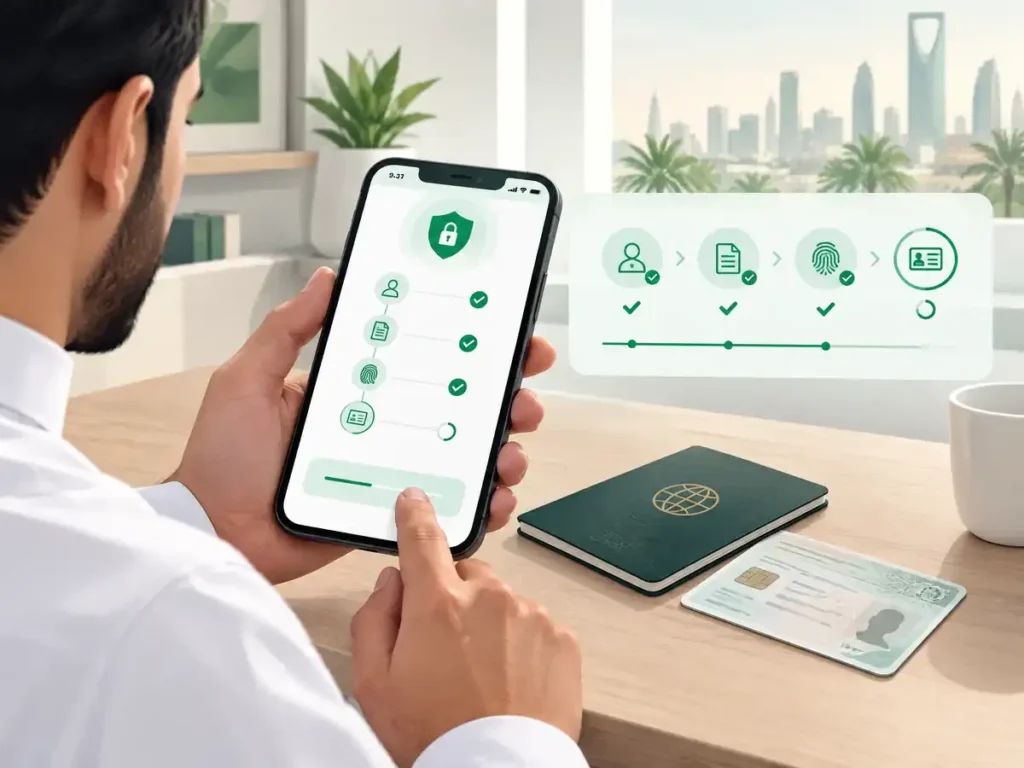
Before you or your employer can complete the renewal, make sure:
- The Iqama holder is physically inside Saudi Arabia at the time of renewal.
- The passport has at least 6 months of validity remaining.
- Health insurance is active and up to date.
- There are no unpaid traffic violations linked to the Iqama holder.
- All previous government fees and penalties are cleared.
If any of these are missing, the renewal request on Absher or Muqeem will usually be blocked until it’s resolved. Once you’ve submitted your request, you can track progress with an Iqama Renewal Status Check Online to confirm the update has gone through before you rely on the new expiry date.
Check traffic fines first: unpaid traffic violations linked to your Iqama can hold up renewal. See our guide to traffic violation check by Iqama number to find and clear them before you apply.
How to Renew Iqama Online via Absher (Individuals & Domestic Workers)
Absher Individuals is the right channel if you’re renewing your own dependent’s Iqama or a domestic worker’s Iqama under your sponsorship.
- Go to absher.sa or open the Absher app.
- Log in with your Nafath ID (or Absher username/password).
- Enter the verification code sent to your registered mobile number.
- Go to Passport Services.
- Select Iqama Renewal (or “Renew Residency”).
- Choose the individual whose Iqama you’re renewing.
- Confirm the renewal period and review the fee shown.
- Pay the fee through the integrated payment gateway (SADAD or card).
- Confirm — the updated Iqama becomes available in the app immediately.
How to Renew Iqama Online via Muqeem (Employers)
Muqeem is the platform companies use to manage all their employees’ Iqamas in one place.
- Log in at muqeem.sa with the establishment’s credentials.
- Enter the code sent to the registered company mobile number.
- Open Resident Management → Search for a Resident.
- Enter the employee’s Iqama number and open their record.
- Go to Passport Services → Iqama Renewal.
- Select the renewal duration (1 or 2 years, depending on the contract).
- Review and confirm the fee total, including any dependents linked to that worker.
- Pay the fee.
- Confirm the transaction with the code sent to the company’s mobile number.
Absher Business: The Employer’s Alternative
Some employers use Absher Business instead of Muqeem for the same task.
- Log in at absher.sa under the Business account.
- Go to My Business Services → Renew Iqama.
- Accept the terms and conditions.
- Select the establishment and then the worker from the employee list.
- Choose the renewal period and confirm.
- Pay the fee to complete the transaction.
Which Platform Should You Use?
Platform | Best For | Who Can Access |
|---|---|---|
Absher Individuals | Dependents, domestic workers, checking your own status | Any individual with an Absher account |
Muqeem | Company workers, bulk renewals, dependent fee calculator | Employers/establishments |
Absher Business | Same as Muqeem, alternative interface some employers prefer | Employers/establishments |
If you’re an employee wondering why you can’t renew your own work Iqama, this is why — it’s designed as an employer-side transaction on Muqeem or Absher Business, not a self-service one on Absher Individuals.
How Early Can You Renew?
Most current guidance points to a renewal window of up to 90 days before expiry. Renewing early is worth doing — it avoids the risk of the request being blocked by a last-minute issue (an unpaid fine, an insurance lapse, a document mismatch) that you’d otherwise have no time to fix before the expiry date.
What Happens If Your Iqama Expires
An expired Iqama isn’t just a formality issue. It can affect your ability to:
- Open or use a bank account
- Renew or use health insurance
- Travel (exit/re-entry visas depend on a valid Iqama)
- Complete other government transactions on Absher/Muqeem
Financial penalty: commonly reported as SAR 500 for a first delay, rising to SAR 1,000 for a second delay — confirm the current figure with your employer or on Absher, since penalty structures are set by regulation and get updated periodically.
Common Mistakes That Delay Renewal
- Waiting until the last week. Leaves no time to fix a blocked request.
- Ignoring small traffic fines. Even minor unpaid violations can block renewal.
- Letting health insurance lapse. A common, easily-avoidable blocker.
- Assuming the employee can self-renew. Company Iqamas go through the employer, not Absher Individuals.
- Not checking dependents separately. Each dependent’s fee and eligibility is calculated on its own.
FAQs About Iqama Renewal Online
Can I renew my Iqama online without going to an office?
Yes. Iqama renewal is fully digital through Absher, Muqeem, or Absher Business — no in-person visit is required if all conditions are met and fees are paid online.
Who pays for Iqama renewal — me or my employer?
For a work Iqama, the employer typically pays. For dependents, the worker usually pays unless the employment contract states the employer covers it.
Can my employer renew my Iqama while I’m outside Saudi Arabia?
Some reports indicate employers can process renewal via Muqeem/Absher Business even while the worker is traveling, but individual self-service renewal generally requires the holder to be inside the Kingdom. Confirm your specific case with HR.
How long does Iqama renewal take once submitted?
Typically 1–3 business days if all documents and payments are in order. Is your renewal pending or not showing? fixes here.
Can I renew my Iqama for 2 years instead of 1?
Yes, depending on the employment contract and employer’s choice, renewal can be selected for either 1 or 2 years.
What is the fee for renewing a dependent’s Iqama?
Reported around SAR 400 per dependent per month, but this varies by case — verify the exact figure shown in Muqeem’s fee calculator or Absher before paying.
Does an expired Iqama automatically mean deportation?
No confirmed fixed day-count for automatic deportation exists in current official sources. Expired status brings escalating fines and blocks other services, but the exact consequence depends on how long it stays unresolved — check your status directly rather than relying on unverified claims.
Sources & Verification
This guide draws on the renewal procedures published by Saudi government digital platforms and cross-checks fee figures across multiple current sources, since no single centralized public fee table exists. For your exact case, always confirm directly through:
- absher.sa — Ministry of Interior individual services
- muqeem.sa — employer/establishment residency management